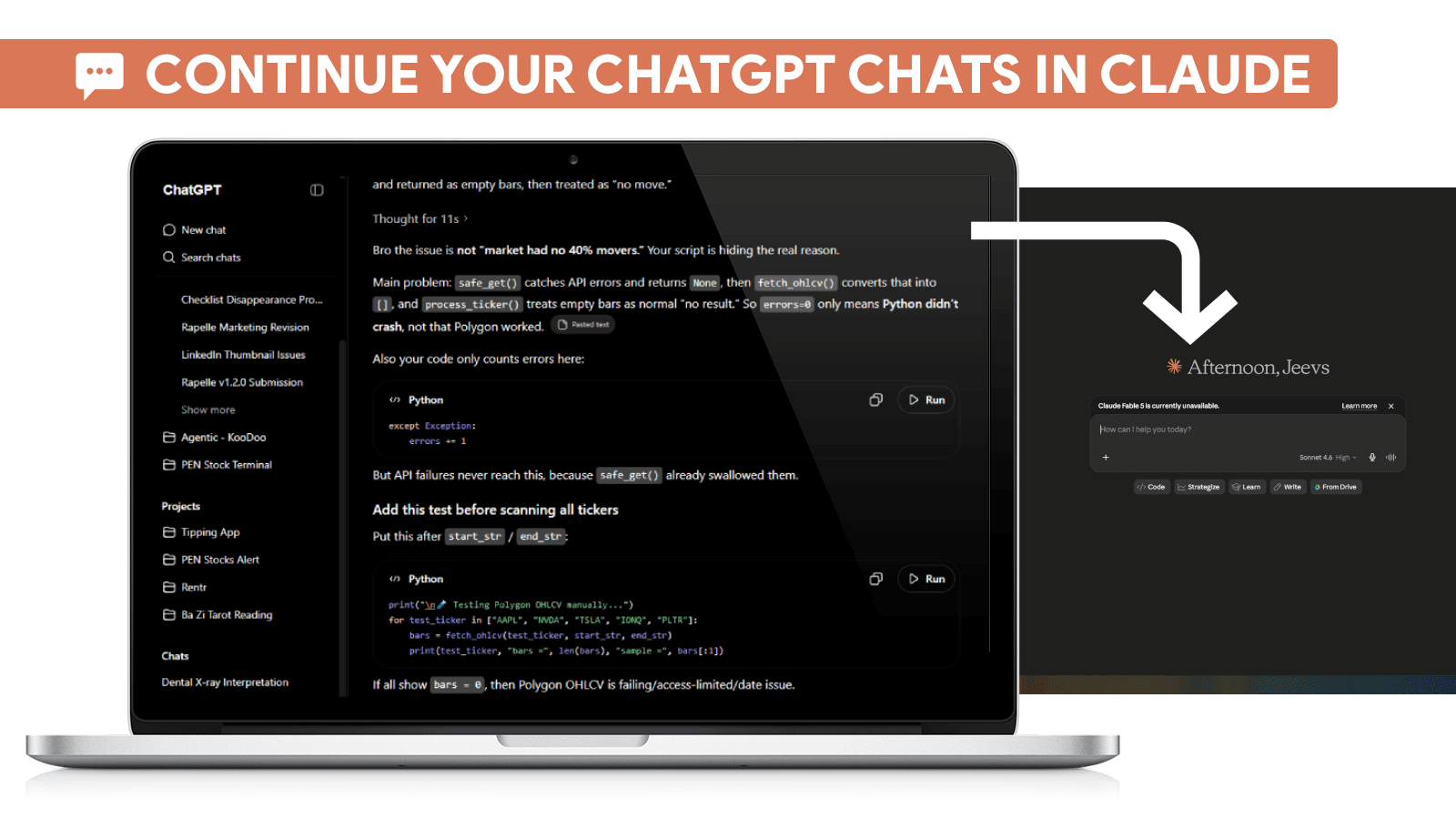
Why AI Conversations Break
Many people assume ChatGPT and Claude remember everything discussed in previous conversations. In reality, every new chat starts with a fresh context window. Unless important information is carried forward, the AI has no awareness of your previous decisions, files, project history, or workflow.
This becomes a serious problem for developers, founders, researchers, students, writers, and anyone using AI for long-term work. A single project can quickly become scattered across dozens of separate conversations. This is the same fragmentation problem covered in how to save ChatGPT conversations forever.
The Cost of Starting From Scratch
Every time you open a new ChatGPT or Claude conversation, you often need to rebuild the same context again.
That usually means re-explaining your project goals, re-uploading PDFs, re-sharing code snippets, recreating previous decisions, and summarizing weeks of prior work. Over time, this becomes one of the biggest hidden productivity costs of working with AI.
How ChatGPT and Claude Remember Information
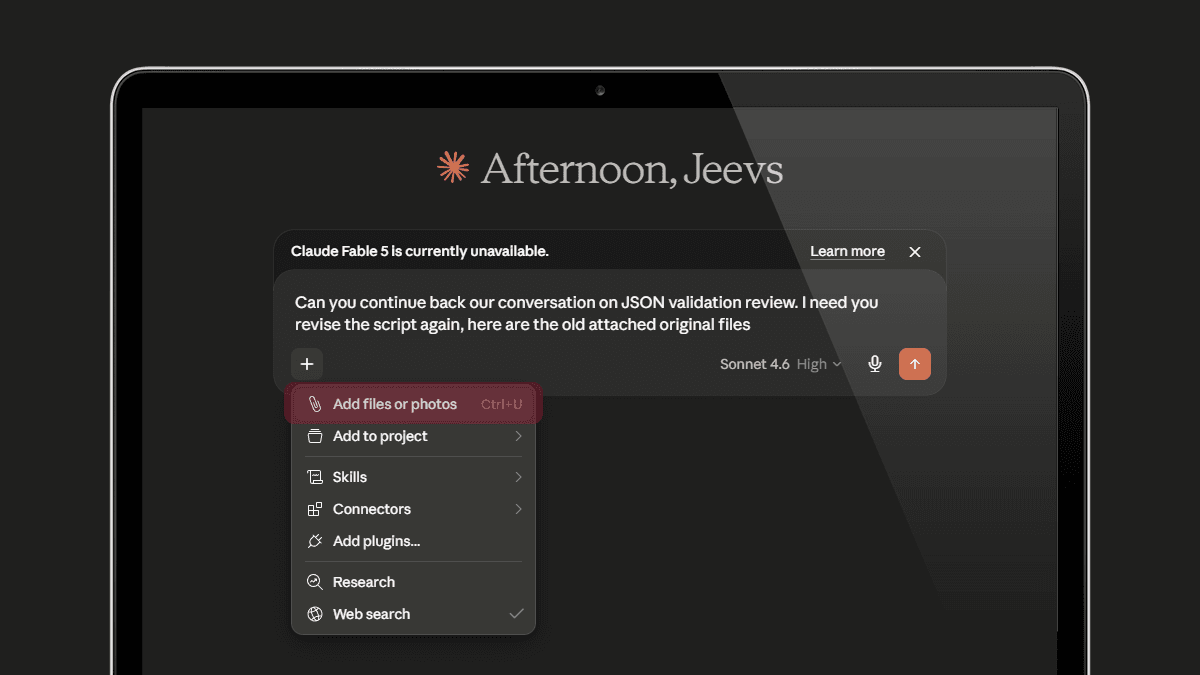
ChatGPT and Claude rely mainly on conversation context. ChatGPT has memory features for personalization, while Claude has project-based workflows for organizing related work. But neither platform is designed to automatically preserve every detail of every project forever.
Large AI workflows often include research documents, business plans, coding files, screenshots, spreadsheets, and long decision histories. These can easily exceed what a single AI conversation can naturally retain.
Once the conversation becomes too long or the project moves into a new chat, important context becomes harder to recover.
The Better Approach: Save and Reload Context
Instead of treating AI conversations as temporary chats, it is better to treat them as project assets. Important conversations should be saved, organized, and reloaded when needed.
When context can be restored instantly, you no longer need to manually copy old messages, rewrite project summaries, or explain the same thing again. You can start a new ChatGPT or Claude session and continue exactly where you left off.
How Rapelle Helps Continue AI Conversations
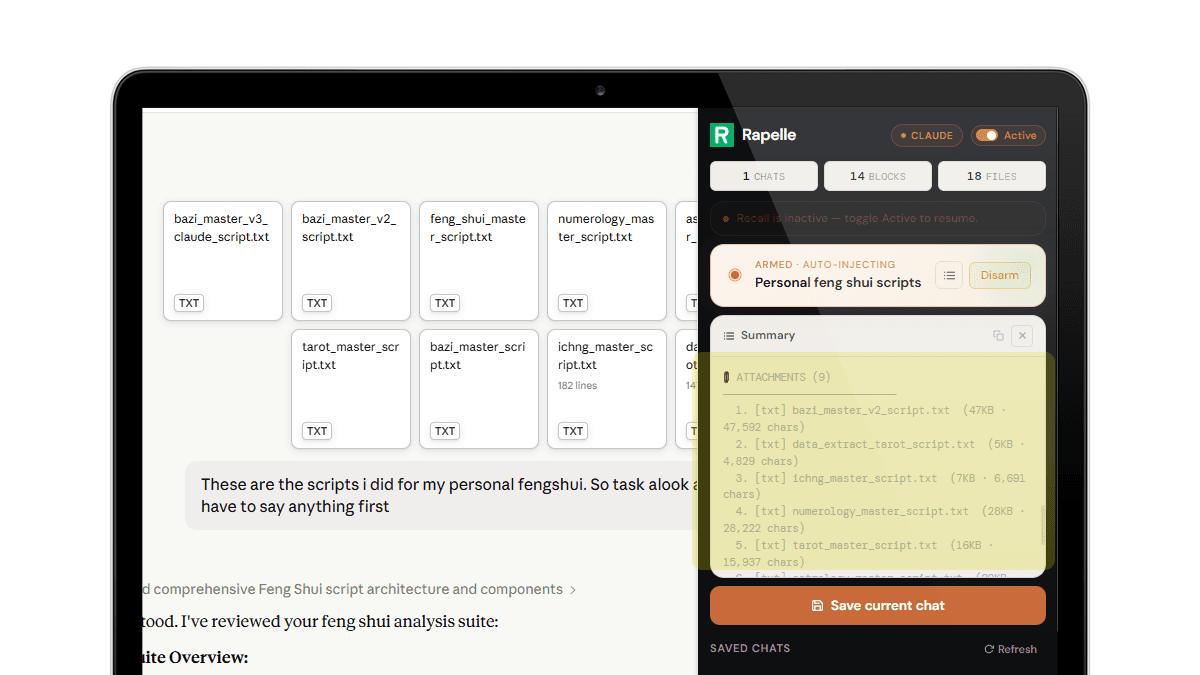
Rapelle is a Chrome extension that lets you save ChatGPT and Claude conversations into a private local database inside your browser. See how it saves ChatGPT conversations and attachments for a full walkthrough.
Saved memories can include complete chat histories, uploaded files, PDFs, spreadsheets, research notes, coding discussions, and project decisions. When you start a new AI session, Rapelle can reload the saved context so the assistant understands the previous work immediately.
This is especially useful for vibe coding, AI-assisted research, business planning, technical debugging, and long-running projects where context matters.
Why Local AI Memory Matters
Many AI tools depend on cloud storage, but Rapelle is designed around local storage. Your saved conversations stay inside your browser instead of being uploaded to an external server.
Rapelle uses browser storage technology such as IndexedDB to preserve AI project memory locally. This gives you a practical way to build your own searchable AI archive while keeping control of your data.
Best Practices for Long-Term AI Projects
If you use AI regularly, save important conversations before they become buried. Keep related files, notes, and project discussions together. Organize your saved memories by project instead of relying only on chat history.
When starting a new session, reload the most relevant context instead of rebuilding it from zero. This makes ChatGPT and Claude much more useful for software development, writing, research, learning, and business workflows.
Final Thoughts
ChatGPT and Claude are powerful tools, but they are not built to automatically preserve every project forever. Without a system for saving and restoring context, valuable knowledge becomes scattered across separate conversations.
A reliable AI memory workflow turns isolated chats into a connected knowledge system. Instead of starting from zero, you can continue your work with the context, files, and decisions already in place.
Save ChatGPT and Claude conversations, preserve project context, and reload your AI memory whenever you start a new session.
Add to Chrome — it's free